
Table of Contents
Best E-Signature Software for Freelancers in 2026
The best e-signature software for a freelancer is the one that makes it easy to send a clear contract, lets the client sign without friction, and leaves you with a record you can find later. For most solo PDF-contract workflows, SignQuick is our pick when you also want a lightweight client record. Choose DocuSign when a client or larger organization already requires it, Adobe Acrobat Sign when Acrobat is central to your PDF work, and PandaDoc when your proposal and quote workflow matters as much as the signature.
Quick comparison: which tool fits your freelance workflow?
| Tool | Best starting point | Choose it when | Check before you commit |
|---|---|---|---|
| SignQuick | Sending existing PDF contracts | You want a simple signing flow plus a client contact and document history in one place | Your plan's document, template, and contact limits |
| DocuSign | Working with clients who already use a familiar agreement platform | A client, agency, or procurement process specifically asks for DocuSign | Envelope allowances, commitment terms, and the features in the plan you select |
| Adobe Acrobat Sign | Editing PDFs and requesting signatures from the Acrobat ecosystem | You already spend most of your document time in Acrobat | Which Acrobat plan includes the sending workflow you need |
| PandaDoc | Building proposals, quotes, and sales documents before sending | Your client process begins with a proposal rather than a finished PDF | Whether its document-creation workflow is worth the added complexity for your volume |
None of these is universally "best." The right tool is the smallest one that covers the way you actually win, document, and close work.
What freelancers should compare first
1. The client signing experience
Your client should be able to open a link, review the agreement, complete the assigned fields, and finish from a phone or laptop. Requiring a new account, a special app, or a confusing download step can turn a simple approval into a follow-up task.
Test the recipient experience yourself before you standardize on a service. Send a harmless sample agreement to a second email address, open it on a phone, and note every step. If you hesitate anywhere, a busy client probably will too.
2. Your real document volume
Count contracts, proposals, change orders, NDAs, and onboarding forms—not just your ideal number of projects. Also check what counts as one send. For example, DocuSign defines an envelope as an electronic record that can contain one or more documents and signers; its live plan page lists the allowances that apply to each plan. Review DocuSign's current plan details before assuming a low-volume plan matches your workload.
Avoid choosing only on a headline monthly price. A plan can be economical for two contracts a month and frustrating once every proposal, scope change, and renewal needs a signature.
3. Reusable templates without careless reuse
Templates help when your agreement structure repeats. The template should preserve your signature, initials, date, and text-field placement, while you still tailor the parties, scope, payment terms, timeline, and project-specific conditions.
If you need a starting contract structure, use our free freelance contract template as educational guidance, then adapt it to the project and have it reviewed when the risk warrants it. A template speeds up preparation; it does not make every deal identical.
4. The record after the client signs
Signing is only the midpoint. You should be able to download the completed agreement and locate the relevant signing record later. Look for an audit trail that records the key events in the workflow, and make sure you know how long documents remain available under the plan you choose.
For U.S. transactions, the ESIGN Act generally says a contract, signature, or record cannot be denied legal effect solely because it is electronic. That is not a blanket answer for every agreement: document type, consent, record retention, facts, and local law can matter. Read what makes an e-signature legally binding for the practical factors, and get qualified advice for regulated, high-value, or cross-border work.
5. The tool you already work in
If you already edit, annotate, and prepare client PDFs in Acrobat, evaluate Adobe's current Acrobat options before adding another document product. If your sales process starts with a proposal, quote, and approval rather than a finished PDF, use our PandaDoc vs SignNow comparison to decide whether you need a document-building suite or a signing-first workflow.
The point is not to collect features. It is to avoid moving a document through three products when one workflow is enough.
A practical SignQuick workflow for freelance contracts
Here is the full path for a typical existing-PDF contract in SignQuick:
- Create the final PDF only after the scope, price, deliverables, and dates are ready for review.
- Upload the PDF and add the client as a recipient, setting the signing order when more than one person must sign.
- Place the fields each person needs, such as signature, date, initials, or text fields, and assign each one to its signer.
- Send the unique signing link. The client can sign in a browser without creating a SignQuick account.
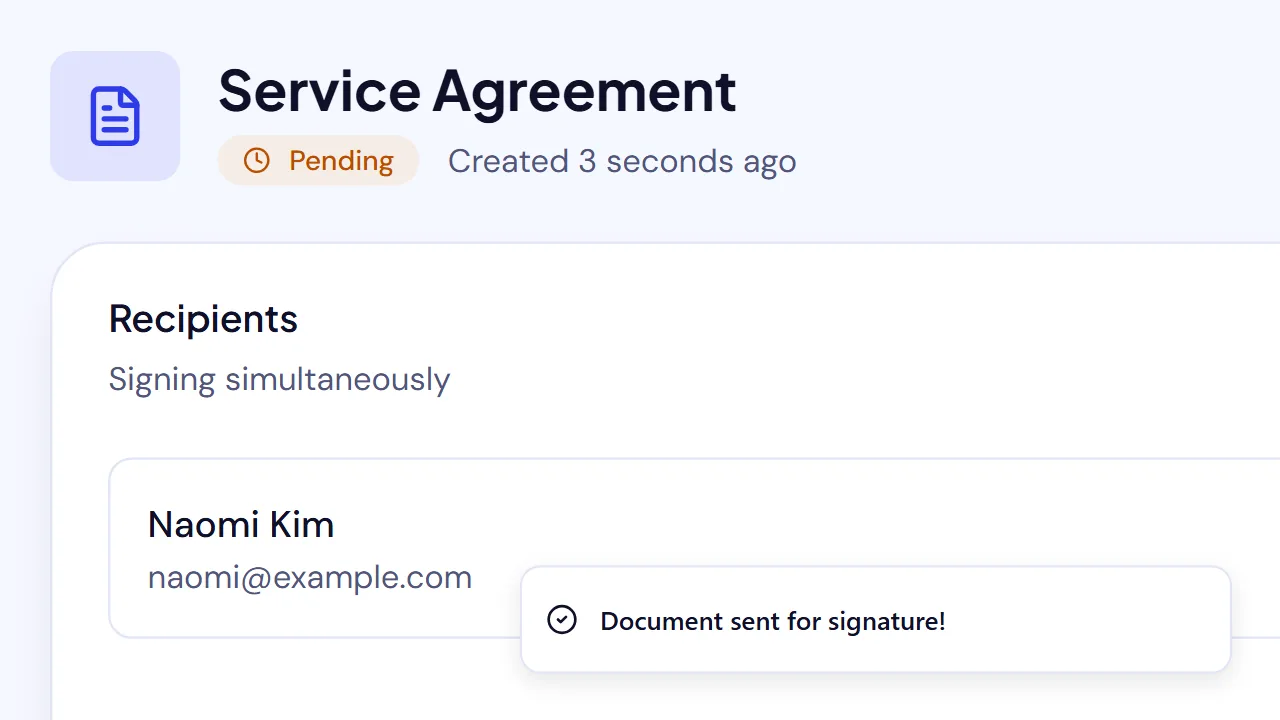
- When signing is complete, download the signed PDF and its audit trail from the document record. The recipient is also available in your SignQuick contacts for the next engagement.
That last step is where a freelancer's process usually improves over time: a signed contract is connected to the client who signed it, instead of disappearing into a downloads folder. For the click-by-click sending sequence, see how to send a document for e-signature in under 60 seconds. The help center's first-document guide has the current in-app steps.
When SignQuick is the right fit
SignQuick is a practical option when you regularly send standard PDF contracts, want the signer to avoid account setup, and prefer each recipient to become a searchable client contact with their document history. It is intentionally built around solo professionals and small teams rather than enterprise agreement administration.
Choose a different product when the job needs capabilities outside that scope. Examples include a client-mandated vendor, a complex enterprise integration, a regulated workflow, or a specialized document-production process. The best choice is the one that meets those requirements plainly—not the one with the longest feature list.
A five-minute decision checklist
Before you subscribe, answer these questions:
- How many signature requests did I send in the last three months?
- Do I start with finished PDFs, or do I create proposals and quotes inside the tool?
- Can a client sign from a phone without an account or extra instructions?
- Can I reuse the fields for my common agreement without reusing the wrong commercial terms?
- Can I retrieve the signed PDF and its signing record when a client asks about a past project?
- Does the plan still fit if I add renewals, NDAs, and scope changes to the count?
If your answers point to a straightforward PDF-first workflow, create a free SignQuick account and send yourself a test contract. The free plan is a low-risk way to check the sender and signer experience before you make it part of your client process.
Research sources
- U.S. Electronic Signatures in Global and National Commerce Act (ESIGN Act)
- DocuSign eSignature plans and pricing
- Adobe Acrobat plans and pricing
- PandaDoc plans and pricing
Sources and vendor plan pages checked July 27, 2026 (PandaDoc's pricing page re-checked October 13, 2026; DocuSign's plans and pricing page re-checked October 14, 2026). Features, pricing, and terms can change.
Frequently asked questions
What is the best e-signature software for freelancers?
The best choice depends on your workflow. SignQuick is a strong fit for freelancers who send PDF contracts and want each signer saved as a client contact. DocuSign may suit clients who require that vendor, Adobe Acrobat Sign can make sense for Acrobat-based PDF work, and PandaDoc may fit proposal-first workflows.
Do clients need an account to sign a freelance contract?
No. With many e-signature services, including SignQuick and DocuSign, recipients can review and sign from a link without creating an account. Check the provider's current workflow and plan details before choosing.
What should a freelancer look for in e-signature software?
Start with the number of documents you send, whether clients can sign easily on a phone, template needs, reminders, signer order, record retention, audit-trail access, and the total cost at your expected volume.
Are electronic signatures valid for freelance contracts?
In the United States, the ESIGN Act generally says a signature or record cannot be denied legal effect solely because it is electronic. Requirements and exceptions depend on the transaction and jurisdiction, so get qualified local advice for a contract with unusual, regulated, or cross-border circumstances.
Can I use one template for every freelance client?
You can reuse a template for recurring contract structures, but update the scope, fees, timeline, parties, and any terms that differ for the specific project. Have the agreement reviewed when its risk or value warrants it.

